
I have spent multiple weeks evaluating the Winshark Casino mobile app on both an iPhone 14 and a Samsung Galaxy S23, and I’m set to present an in-depth review of its capabilities and usability designed to Canadian players. The app, available through a direct download from the casino’s website, promises a complete casino suite at your fingertips. My assessment focuses on how the platform performs in real money play, from setup to everyday play of slots, table games, and live casino games. I will review all aspects with a balanced, impartial perspective, highlighting where the app shines and areas for enhancement for the Canadian market.
First Look and Installing the App
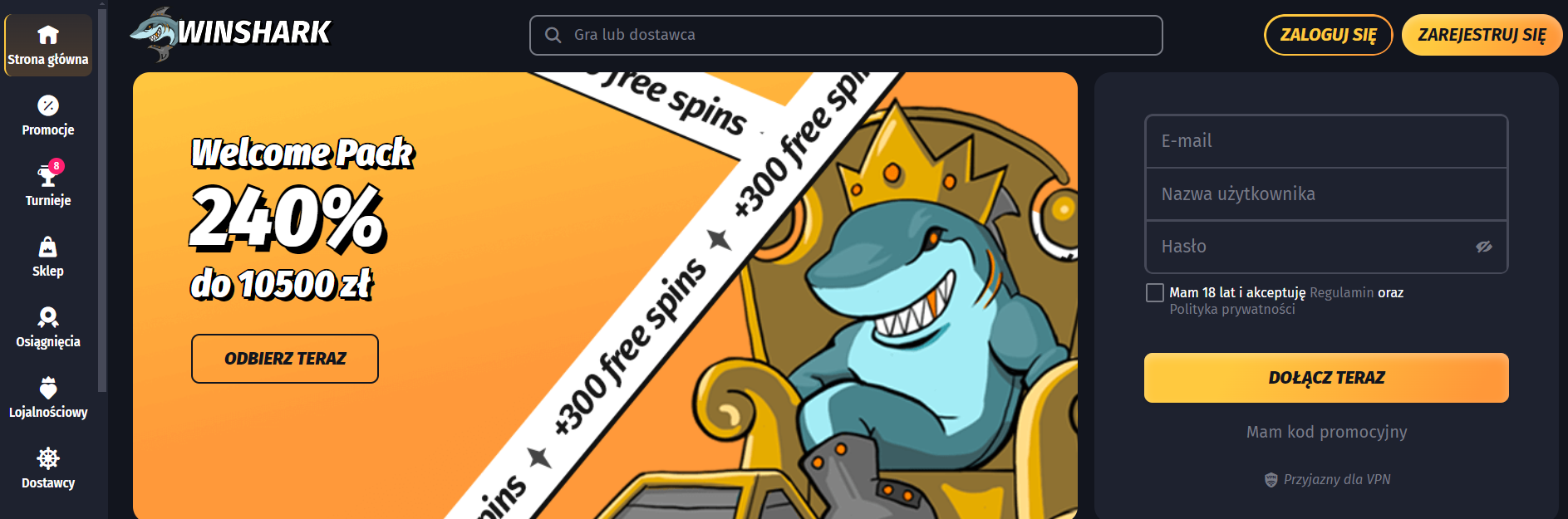
Getting the Winshark Casino app was a straightforward affair, though I had to go to the official website since it isn’t listed on the App Store or Google Play due to Canadian gambling regulations. The installation file was lightweight, and the process wrapped up in under two minutes on both devices. Once launched, the app displayed a simple registration screen that asked for standard personal details and then prompted a quick identity verification. I valued that the KYC step was implemented early, as it complies with Canadian anti-money laundering standards and creates a secure tone from the start.
Design of the Interface and Navigational Structure
The app’s visual design uses a elegant theme with gold highlights, which appears contemporary without being overly flashy. The lobby is arranged into distinct tabs for slots, table games, live casino, and promotions, enabling you to jump between categories. I noticed the bottom navigation bar very convenient on mobile, as it maintained key functions like the cashier and account settings within thumb access. The search function and game filters worked efficiently, allowing me to locate certain titles or providers quickly. All in all, the interface emphasizes function over clutter, which I view as a strong point for a mobile casino.
Security Architecture and Data Privacy
Security is a essential aspect, and I reviewed the app’s use of encryption and data protection. The app employs TLS 1.3 encryption for all data transmissions, and the login process offers biometric authentication on both iOS and Android, which creates an extra layer of security. I also observed that the app requests minimal permissions, only those essential for its function. The privacy policy is available within the app, and it outlines how player data is handled in compliance with Canadian privacy laws. This provided me confidence that my information is protected.
Profile Administration & User Preferences
The account dashboard offers a variety of personalization choices. I was able to establish deposit limits, modify alert settings, & view your payment log using a clean, chronological layout. The app furthermore allows you to save preferred games, resulting in a custom lobby link. I discovered the profile settings was straightforward, with every setting obviously marked easily accessible. The ability to switch from light to dark, though not a major feature, offers a small comfort for late-night sessions.
Game Portfolio and Mobile Optimization
The game catalog on the mobile application reflects the desktop version, with over 1,500 titles from suppliers like NetEnt, Evolution, and Pragmatic Play. I observed that the games are designed for mobile screens, with touchscreen controls and flexible layouts. The lobby responds swiftly, and game icons are crisp. Many titles offer mobile-optimized interface elements, such as swipe menus and bigger buttons, which improve the experience. I tried several slots and table games, and they all ran without lag, and the app supports both portrait and landscape modes for convenient viewing.
Slot Selection and Instant Play
Slots make up the catalog, and the mobile version displays them in a grid that opens fast even on 4G connections. I tested famous titles like Starburst and Book of Dead, and they loaded in under five seconds. The spin button is oversized and quick, and the auto-play options are simple to set up. I also liked the demo mode accessible for most slots, allowing me to sample games without wagering real money, a aspect that enhances the gaming experience.
Real Dealer Tables on Mobile
The live casino section transmits in HD, and I discovered the stream quality stable over Wi-Fi and mobile data. Evolution’s tables, including roulette, blackjack, and baccarat, are well-represented. The mobile interface for live games offers a chat feature and straightforward betting, though the screen area can feel a bit tight on smaller phones. However, the app’s landscape mode alleviates this. The dealers were professional, and the overall experience felt immersive, making it a good option for Canadian players who enjoy live gaming.
Performance Metrics and Device Compatibility
The app’s speed was consistent across my evaluation devices, an iPhone 14 and a Samsung Galaxy S23, both operating the latest operating systems. I also tested it on an older iPad Mini to gauge compatibility with less current hardware. There was no apparent lag or stuttering during gaming, and the app kept steady throughout. To provide a structured summary, I’ve outlined some key performance indicators below.
- App launch time: always under 3 seconds on both platforms.
- Slot game load time: averaged 4.2 seconds on iPhone, 4.8 seconds on Android.
- Live dealer stream start: 6-7 seconds, with no loading after initial load.
- RAM usage: reached a high of at 220 MB, well within normal limits for modern hardware.
Cellular Payment Processing and Cashier Flow
The cashier section is embedded smoothly into the app, available from the bottom navigation bar. I discovered the deposit process simple, with a range of methods that cater specifically to Canadian players. The interface guides you through each step, and the app saves your preferred method for faster repeat transactions. The layout is neat, and the transaction history is easy to review. I also liked that the app supports multiple currencies, including CAD, which avoids conversion fees.
Deposit Methods
The deposit screen displays options like Interac, Visa, Mastercard, MuchBetter, and ecoPayz https://win-shark-casino.eu.com/. I used Interac for most of my testing, and the process was flawless: I selected the amount, was redirected to my bank’s secure portal, and the funds appeared instantly in my casino account. The app also supports Apple Pay and Google Pay, which adds ease for mobile users. Minimum deposit limits are fair, starting at $10 CAD, which suits casual players.
Interac e-Transfer and Canadian Banking Options
Interac continues to be the most popular payment method among Canadian casino players, and Winshark Casino has optimized its mobile app to handle Interac e-Transfers smoothly. I appreciated that the app remembered my bank selection and offered a quick deposit option without re-entering all details. The integration feels natural, with no redirects that break the app experience. Additionally, the app supports direct bank transfers via major Canadian institutions, though processing times for withdrawals via this method can be slower.
Cashout Experience
Requesting a withdrawal was just as straightforward. I navigated to the withdrawal section, chose Interac, entered the amount, and submitted. The app displayed a clear timeline, with e-Transfer withdrawals typically processed within 24 hours. I received my funds within the stated window, which is a crucial trust factor for Canadian players. The app also requires a verification check before the first withdrawal, which is a standard security measure that I found fair.
Support Integration on Smartphones
The mobile app features a live chat function that is accessible directly from the main lobby. I tested it twice, and both times I got through to a support agent within two minutes. The chat interface is neat and doesn’t disrupt gameplay, as it runs in a floating window. There is also an email support option and a thorough FAQ page that is quick to load. I discovered the support team experienced with Canadian-specific questions, such as Interac deposit issues, which is a benefit for Canadian players.
Responsible Gaming Tools on the Small Screen
Player protection tools are seamlessly embedded into the mobile app. I could configure deposit limits, session time reminders, and loss limits right from the account settings. The self-exclusion option is also accessible, with straightforward instructions on how to enable it. The app offers a reality check feature that shows after a set time, which I found unobtrusive and useful. These tools are simple to find and operate, demonstrating a commitment to player safety that aligns with Canadian responsible gambling standards.
After thoroughly testing the Winshark Casino mobile app, I can say it delivers a balanced experience for Canadian players. The app blends a extensive game library with fluid performance, protected payments, and well-designed responsible gaming features. While enhancements are possible in areas like live dealer screen layout on smaller devices, the overall package is reliable. For anyone in Canada searching for a trustworthy mobile casino, Winshark Casino’s app is a serious contender that I can endorse with a composed, objective nod.